
Galileo - Prosthesis Control3.1.0 - App Store
You'll be able to see results in few seconds.
Publisher Description



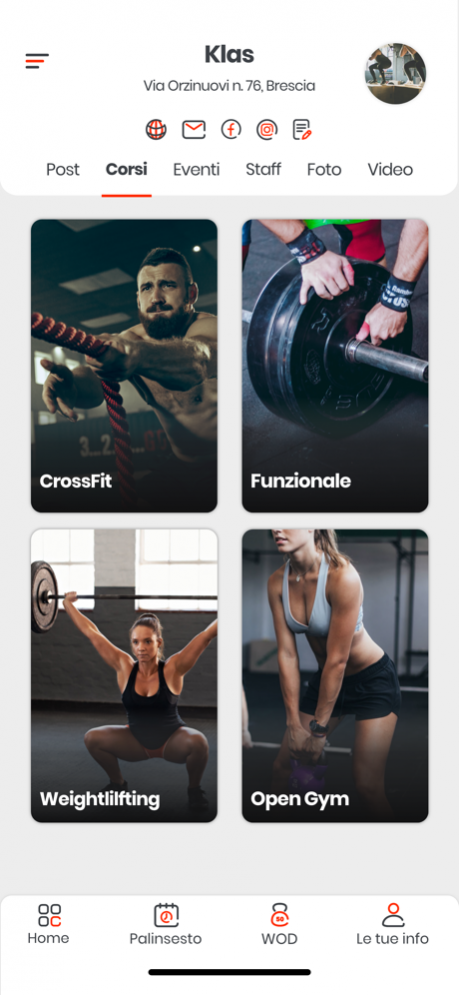
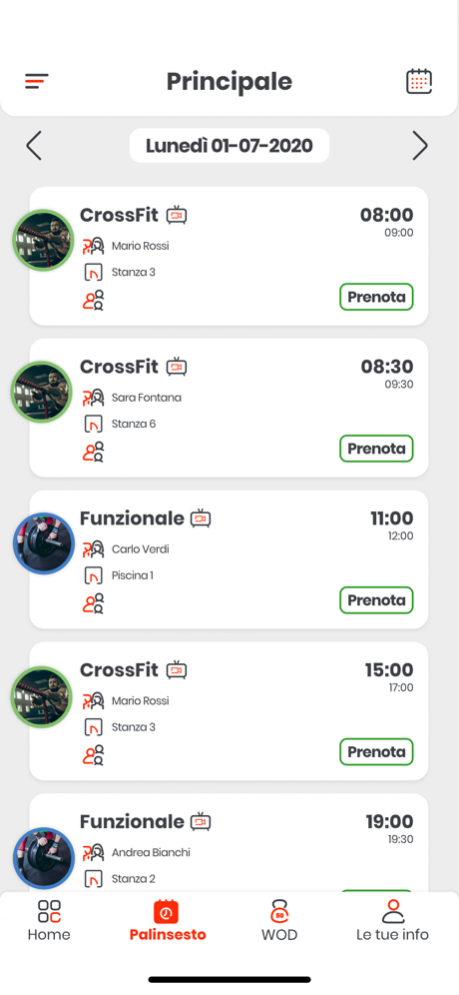

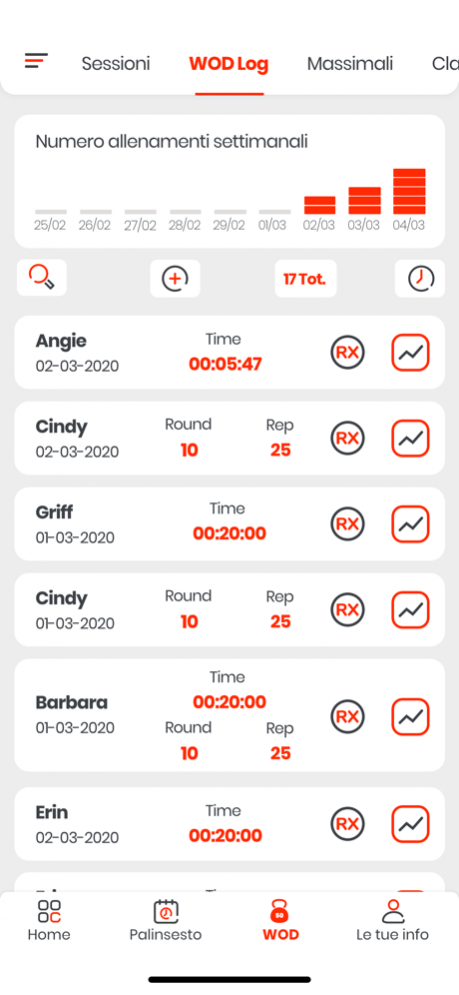
Formerly advertised as Galileo - Smart Prosthetic Control.
Galileo lets patients and prosthetists control a new generation of smart, connected prosthetic components through an elegant and consistent user interface.
Connect to the Europa+ prosthesis outcomes measurement component to automatically generate easy to understand prosthesis outcome reports. Using Galileo with the Europa+ component fulfills specific requirements for measures of dynamic function requested by the VA. Galileo makes it easy to track and report changing outcomes over years of use of the components. Patients can also record prosthetic function using their own iOS device to show how they use their prosthesis in everyday life.
The Europa+ component is available at SPSCO.COM
Through our partnership with Ottobock, Galileo is launching with full support for configuring the new Triton smart ankle with Bluetooth connectivity:
For Patients & Prosthetists
• View critical information such as battery level and overall health of the ankle
• Adjust heel height for different footwear
• Adjust perceived toe stiffness
• Engage Free Ankle Motion mode, allowing full range of motion for 15 seconds
• Enable or disable the ankle's on-board beep sound
• View detailed activity statistics for terrain adaptations
• Control two ankles at the same time and easily swipe between the controls for both
• Personalize the display name of the ankle for easy identification
• Upload diagnostics information for detailed problem analysis
For Prosthetists
• Easily setup and train the ankle for a new patient
• Fine-tune ankle features to accommodate patient preferences and individual gait characteristics.
• View live, real-time graphing of the ankle's state and performance while the patient is walking.
Note: To unlock prosthetist functionality, connect to the Triton smart ankle and use the activation code included in the product package.
Apr 19, 2018 Version 3.1.0
minor bug fixes
About Galileo - Prosthesis Control
The company that develops Galileo - Prosthesis Control is Orthocare Innovations, LLC. The latest version released by its developer is 3.1.0.
To install Galileo - Prosthesis Control on your iOS device, just click the green Continue To App button above to start the installation process. The app is listed on our website since 2018-04-19 and was downloaded 0 times. We have already checked if the download link is safe, however for your own protection we recommend that you scan the downloaded app with your antivirus. Your antivirus may detect the Galileo - Prosthesis Control as malware if the download link is broken.
How to install Galileo - Prosthesis Control on your iOS device:
- Click on the Continue To App button on our website. This will redirect you to the App Store.
- Once the Galileo - Prosthesis Control is shown in the iTunes listing of your iOS device, you can start its download and installation. Tap on the GET button to the right of the app to start downloading it.
- If you are not logged-in the iOS appstore app, you'll be prompted for your your Apple ID and/or password.
- After Galileo - Prosthesis Control is downloaded, you'll see an INSTALL button to the right. Tap on it to start the actual installation of the iOS app.
- Once installation is finished you can tap on the OPEN button to start it. Its icon will also be added to your device home screen.
Program Details
System requirements
Download information
Pricing
Version History
version 3.1.0
posted on 2018-04-19
Apr 19, 2018 Version 3.1.0
minor bug fixes
version 2.0.1
posted on 2015-02-05
Disclaimer
Official App Store Link
We do not host Galileo - Prosthesis Control on our servers. We did not scan it for viruses, adware, spyware or other type of malware. This app is hosted by Apple and passed their terms and conditions to be listed there. We recommend caution when installing it.
The App Store link for Galileo - Prosthesis Control is provided to you by apps112.com without any warranties, representations or guarantees of any kind, so access it at your own risk.
If you have questions regarding this particular app contact the publisher directly. For questions about the functionalities of apps112.com contact us.
